
AI Pokémon Generator
Design an original woodland creature
History
ORIGINAL CREATURE IDEAS
Start with a recognizable outline and give it a woodland identity. A quiet reference photo, a few leaf-shaped details and one habitat can become a coherent original creature concept.
Build the design around one strong shape
A good creature idea does not need every possible ornament. Choose one feature that remains readable at thumbnail size: branching antlers, broad ears or a rounded body. Keep the remaining details simple so the design feels intentional.
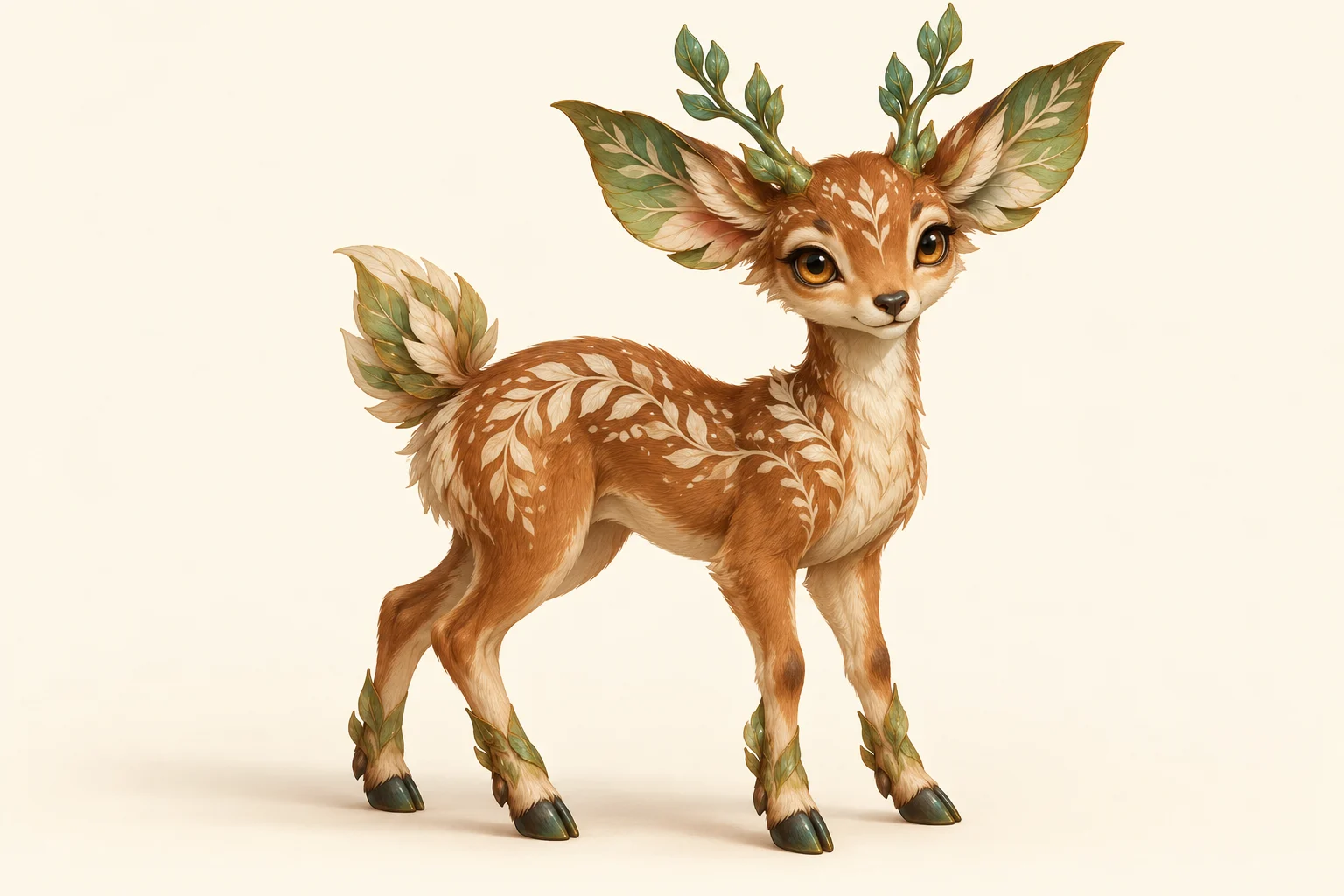
For this woodland direction, the visual rule is leaves and ferns. Small antlers echo branches while pale spots suggest a forest floor. The theme connects the character to its habitat without copying a named character.
Make the first image, then refine one detail
Begin with the mode that fits your material. In Text to Image, describe the whole character: body shape, coat palette, one fantasy trait and a simple setting. In Image to Image, upload one reference and explain which visible features should remain. The two modes serve different starting points; a text-only request does not need an uploaded photo.
- Choose Text to Image for a new idea or Image to Image for a photo-based variation.
- Keep one creature in the frame and describe its full outline before the small details.
- Choose the aspect ratio and review the displayed credit quote before generating.
- Open the finished image and check ears, antlers, legs and markings at a useful size.
- For the next version, keep the successful traits and change one feature or pose.
For example, ask for smaller branching antlers while keeping the cinnamon coat and pale fern-shaped spots. That instruction is easier to assess than asking for a completely better character. If the feet are unclear, request a full-body standing view with empty space beneath the hooves before trying a complex running pose.
Save the version with the clearest silhouette before exploring a habitat scene. When you later remove its background, inspect narrow gaps between antlers and ears. A small edge repair can matter more for a sticker or avatar than adding another decorative feature. Keep the original image as well as the cutout so you can return to the complete scene.
Prepare one clear reference
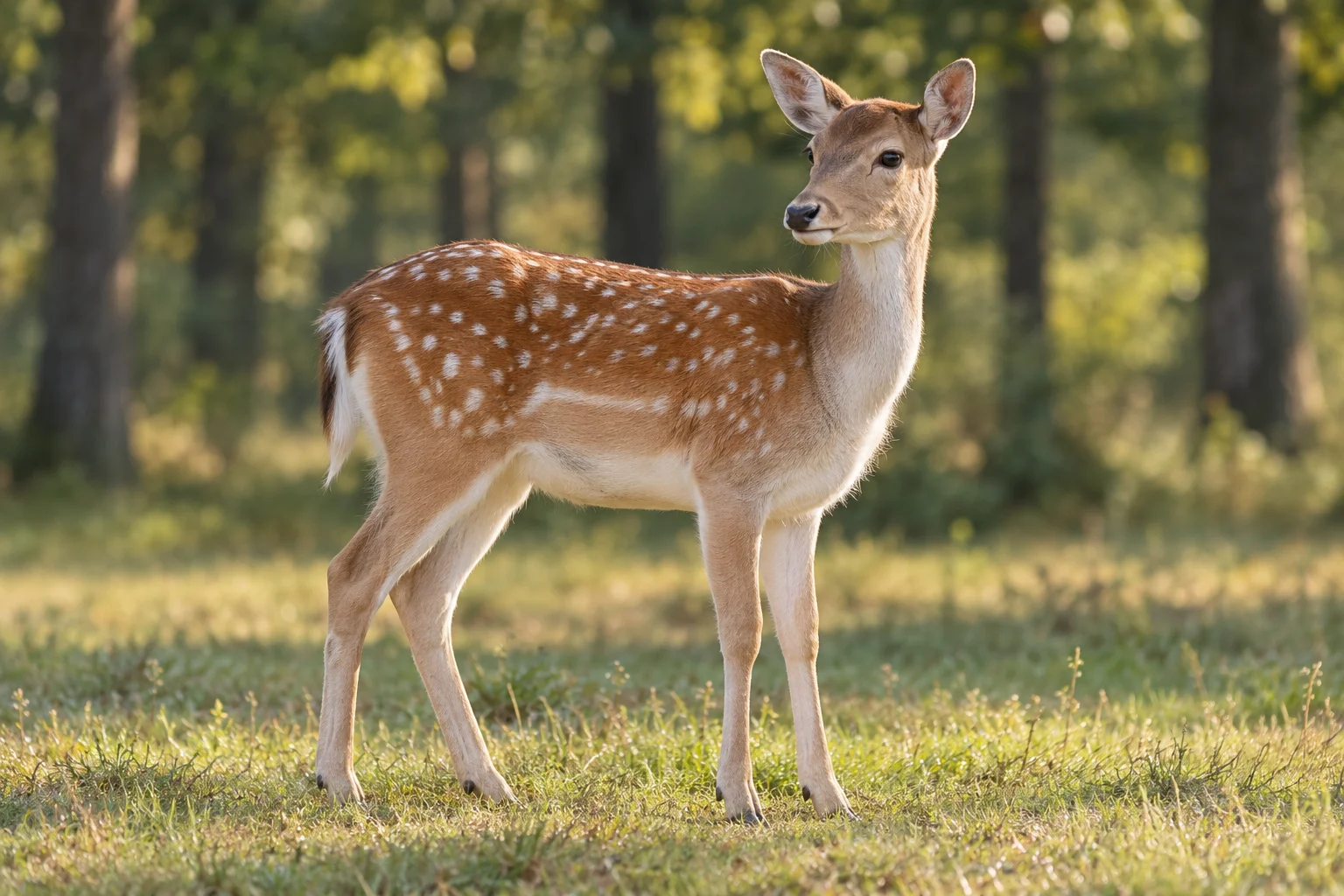
- Choose one sharp subject and keep the whole outline inside the frame.
- Write down two visible traits to retain, such as long ears and pale spots.
- Choose one new fantasy detail and one background direction.
- Review anatomy and outline before requesting more decorative detail.
A reference photo provides shapes and colors to interpret. It does not guarantee an exact pose, identical markings or a preserved background. Describe the parts that matter instead of asking the model to change everything at once.
Compare poses and inspect the edges
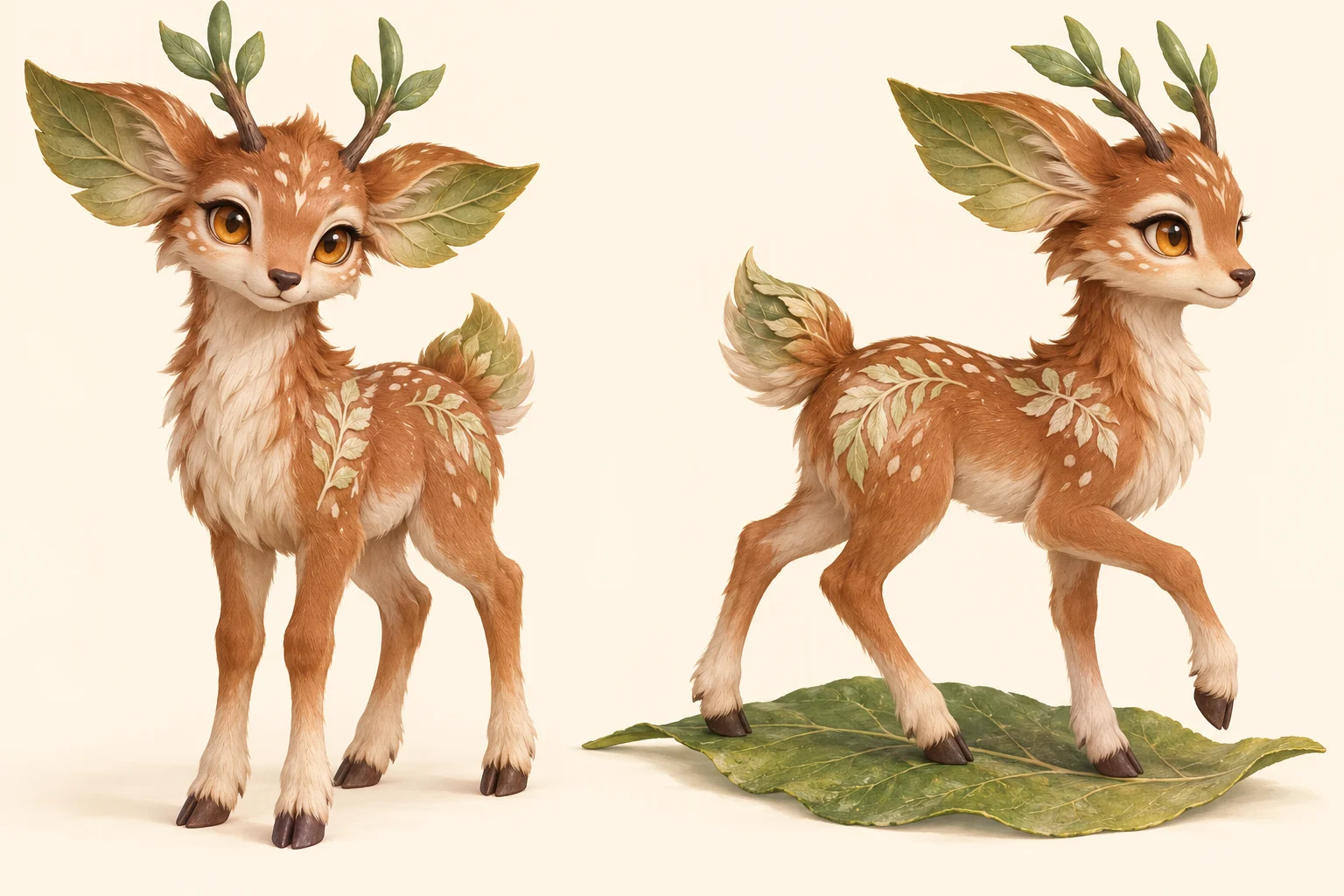
Look at the outer edge first. Antlers should not merge into the ears, and the feet should be distinct from the ground. Then inspect repeated markings, eye placement and the number of limbs. These checks help you select a usable still image.
If you plan a later cutout, ask for space around the subject and a background that contrasts with its colors. A plain ivory scene can simplify that preparation, but it does not create a transparent PNG on its own.
Choose a setting with a clear purpose
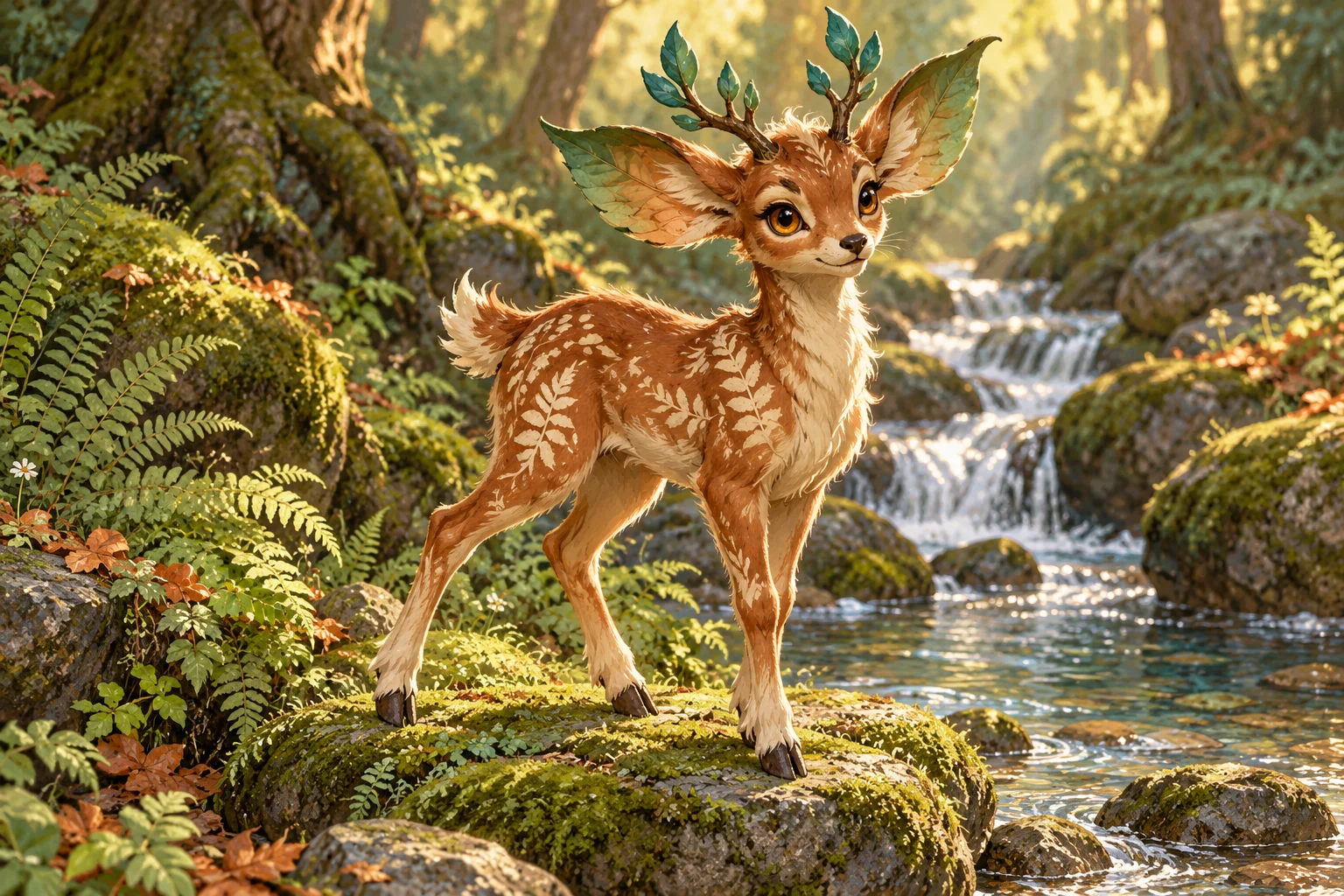
A forest scene can introduce a habitat; a plain background can focus attention on the character. Decide which job the image needs to do before generating. A busy scene may suit a story illustration while making a compact profile image harder to read.
For a character board, compare a full-body view, a close view of the face and one habitat scene. Keep the same ear shape, coat colors and antler arrangement in your descriptions, then check the finished pictures for drift.
Continue the image workflow
Creature design questions
What does AI Pokémon generator mean here?
It describes an image-making workflow for original collectible fantasy creatures inspired by the broad idea of playful creature design. It does not create official Pokémon characters, playable game data or trading-card files.
Can I use a photo instead of writing every detail?
Yes. Choose Image to Image and add one clear photo as a visual starting point. Select an image you are allowed to edit, then describe which shape or markings should carry into the design. Choose Text to Image when you want to begin with words alone.
Which photos are easiest to work from?
Choose a sharp subject with visible ears, feet and edges. Avoid overlapping animals or branches covering the silhouette. A simple background makes it easier to describe the parts you want to keep.
Will a plain background be transparent?
No. An ivory or white background is still image content. Transparency requires a separate background-removal step and an output format that supports an alpha channel.
Can I make a matching pose set?
You can request another pose while supplying a reference and describing the same markings. Check antlers, feet, eye placement and proportions each time; repeated generations may change the design.
Is this free, and what does it cost?
Generation uses credits. The selected model, resolution and settings determine the quote shown before you submit. Check that quote and your available balance; changing the settings can change the amount. A visible model does not mean unlimited free generations.
How long does generation take?
The wait depends on the selected settings and current queue. Follow the task status after submitting, then inspect the finished image before requesting another version. Avoid submitting repeated copies of the same request while the first task is still processing.
Is this an official Pokémon service?
No. Use this independent workflow to invent an original creature and its own visual identity. Avoid presenting the artwork as an official character, game asset or licensed product.