Bama Bound AI
Explore another prompt idea for shaping an AI video scene.

Loading history…
Use the Gangnam Style AI Video Generator to plan a short, cheerful street-selfie scene with three friends. Start by deciding whether you want to describe a fictional group with Text to Video or animate one photo of your own group with Image to Video. Keep the opening composition simple, choose a setting with room for all three people, and describe a small expressive movement rather than a complicated routine. A brief emphasis on one friend can add personality before the group comes together for a shared ending. Review the result with all three faces in mind.
Choose Text to Video to describe a fictional trio, or Image to Video to animate one photo of your own group. For the photo option, prepare a single image with all three people together and their positions easy to see. Decide what kind of street setting and friendly mood you want before writing the prompt.
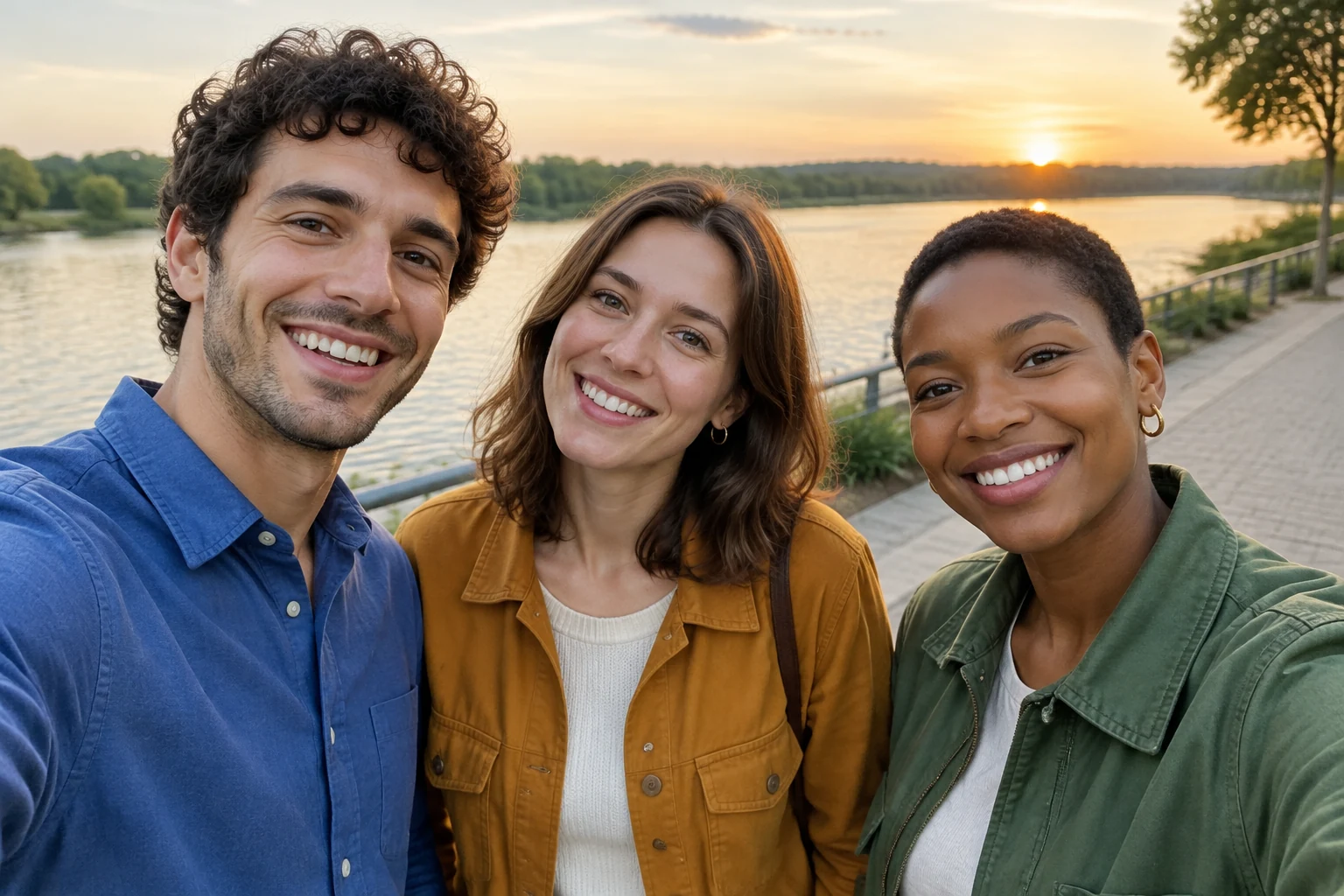
Keep all three friends together in the opening frame, with enough space around them to read as a group selfie. For a fictional scene, distinguish the people with simple clothing or hairstyle details. For your own photo, describe the people as they appear and retain their original left-center-right arrangement and background.
Short clips benefit from a simple action: a gentle sway, a small turn toward the camera, or a relaxed group pose. You can briefly emphasize one friend, then bring attention back to all three. Describe the movement you want in plain language, and close with a shared gesture such as a wave.
Check the live credit quote beside Generate before starting; the displayed quote is the cost for the selected parameters. After submission, check task progress in History. When reviewing the result, look at all three faces and confirm the group composition and shared ending suit your plan.
A readable group selfie starts with a clear opening. Keep the three friends close enough to feel connected, while leaving their faces unobstructed. Choose a simple street scene—such as a pedestrian walkway—with enough visual space around the group. For a text prompt, use a few distinct character details to tell the fictional friends apart. For an uploaded group photo, work from the people, clothing, positions, and background actually shown.

A small expressive action is easier to follow than several changes in quick succession. Try a gentle sway, a slight turn toward the camera, or a cheerful wave. If one friend gets a brief moment of emphasis, keep the other two in view and return to the full group for the ending. Describe the action you want rather than relying on an exact dance routine or a fixed camera template.
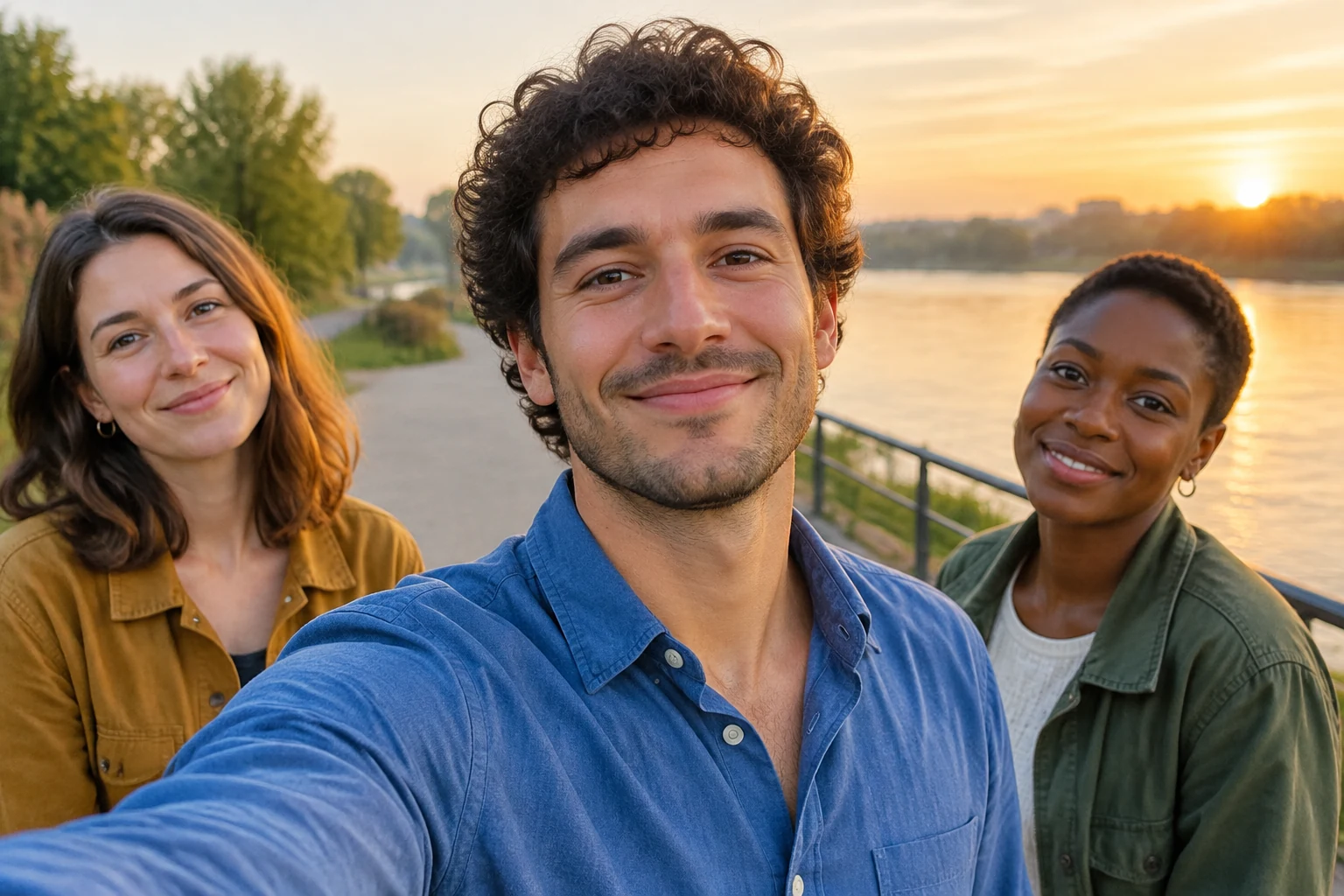
Text to Video lets you describe a fictional trio without supplying a photo. Image to Video starts with one group photo. In that prompt, refer to the photo's actual people and ask to preserve their faces, hair, clothes, positions, and background. Camera timing and likeness can vary, so review all three faces. Original song audio is not bundled; audio options follow the selected parameters.
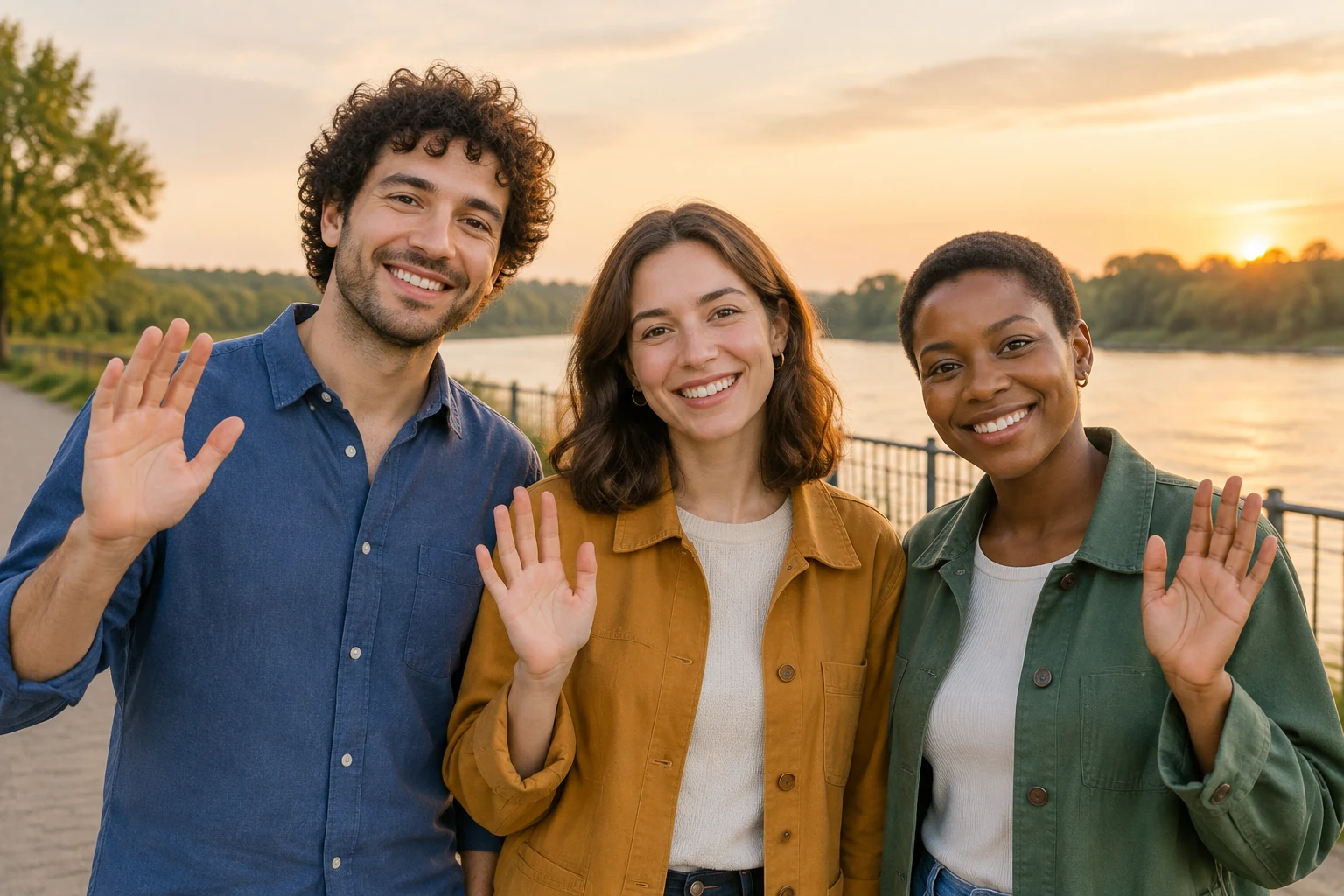
Edit the prompt to match your intended setting, action, and ending. Keep the sequence straightforward: group opening, a small movement, brief emphasis on one friend, and a shared close. Choose the available duration and aspect ratio to suit your layout. Use the planning frames to think through composition, then review the generated result and make prompt adjustments if needed.
Yes. Choose Image to Video and use one group photo with all three people together. The prompt can ask to preserve the people and their arrangement in that image.
Yes. Choose Text to Video and describe the three fictional people, their setting, and the action you want.
Try one small action, such as a gentle sway, a slight turn toward the camera, or a shared wave. A brief emphasis on one friend can add variety before the group ending.
Describe the movement and framing you want, but an exact routine or fixed camera timing is not guaranteed.
The live credit quote beside Generate shows the cost for the selected parameters. After submission, task progress is available in History.
The original song is not bundled. Available audio options follow the parameters you select.
Explore another prompt idea for shaping an AI video scene.
Learn how to remove a white background from an image.
Prepare an image with a transparent background.
Separate a signature from its image background.
bg-remover.app · Updated