Bama Bound AI
Explore another AI video guide.

Loading history…
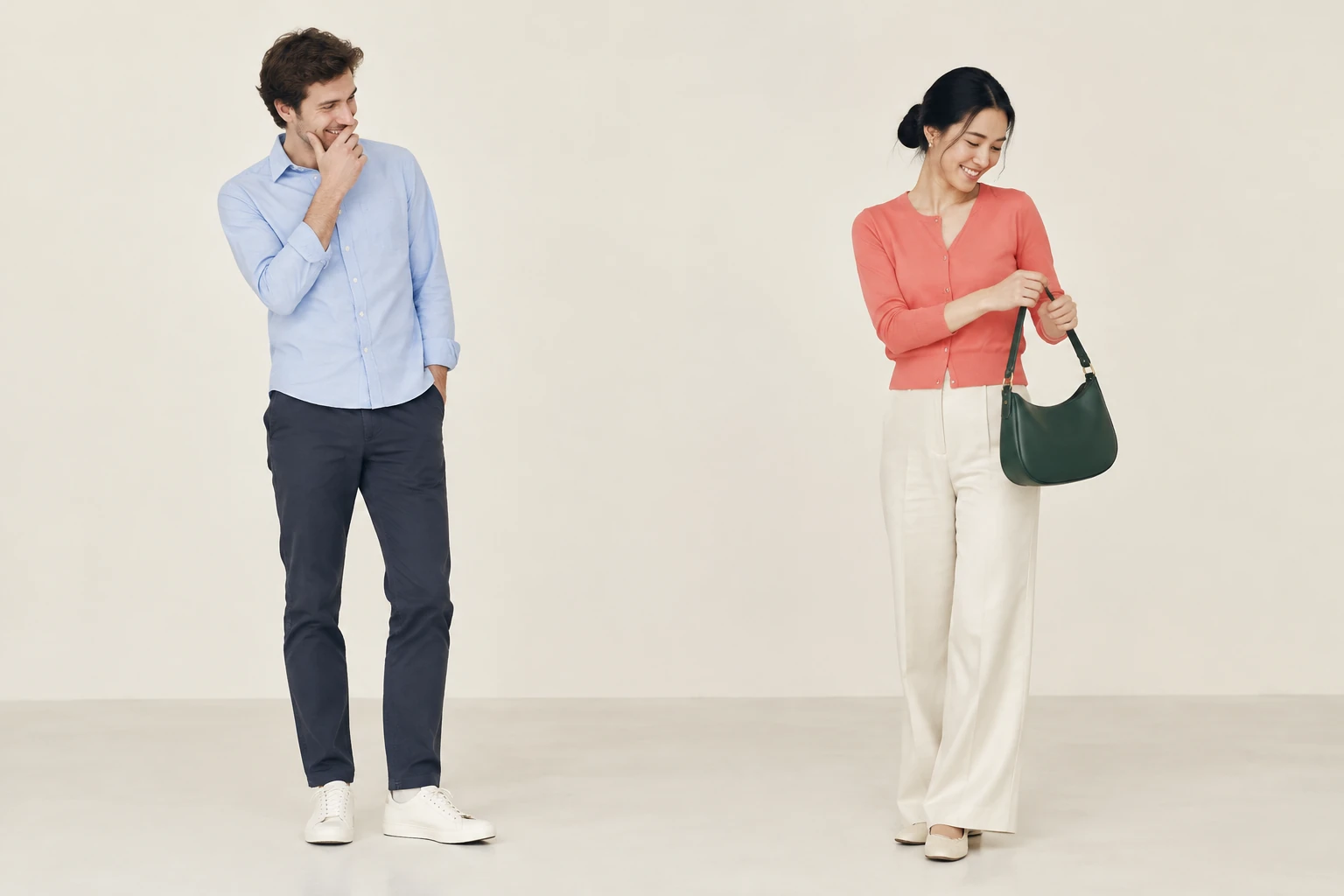
Oh You Can Make It Cap AI turns two prepared portraits into a simple, original video scene: one person laughs, while the other makes a small handbag turn. Choose each person’s role, review the live credit quote, and keep the action clear and understated.
Choose a clear photo of each person. Use separate images: the laughing responder goes in image 1, and the person who turns with the handbag goes in image 2. Do not combine both people into one reference photo for this role.
Select the first photo in the laughing-responder selector and the second in the turning-person selector. The scene direction set these roles in order. The fictional example outfits are only a visual concept; use the people’s actual appearance and clothing from your photos.
The page starts with an eight-second studio scene. Choose from the aspect ratios and output qualities currently offered by the selected model, and add a brief visual note if useful. An audio option may be available, but it does not select a particular soundtrack. Check Required Credits and your account access before generating; the model is a paid option and the quote changes with your selected settings and media.
After selecting Generate, follow the status and results in History; processing time is not fixed. Review the completed video for distinct people, correct role assignment, recognizable faces and outfits, the handbag staying with the second person, continuous movement and reaction, no added people or extra limbs, and a readable ending. Use Download for the completed video. Cropping, captions, or adding music are separate finishing steps.
Oh You Can Make It Cap AI is a page guide for an original, short exchange built from two person photos. The intended action is deliberately restrained: the second person makes one small, confident handbag turn while the first reacts with a quiet laugh. A light cream seamless studio, pale floor, and broad soft daylight provide a simple visual direction. These are fictional scene details, not requirements for the people in your photos. Keep the composition uncluttered, separate the two people clearly, and leave enough room to read their hands and feet. A calm start and finish help the small action remain legible.
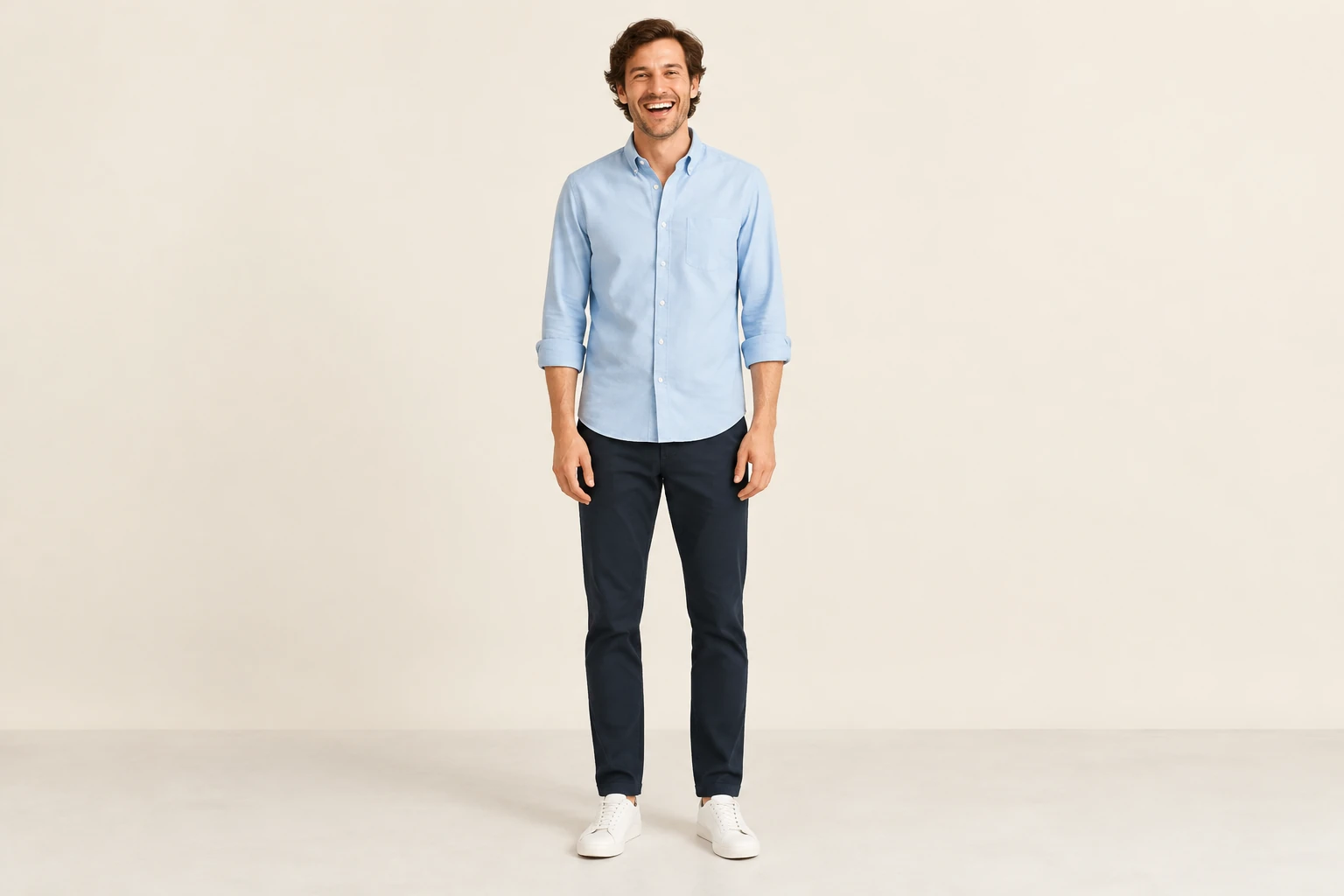
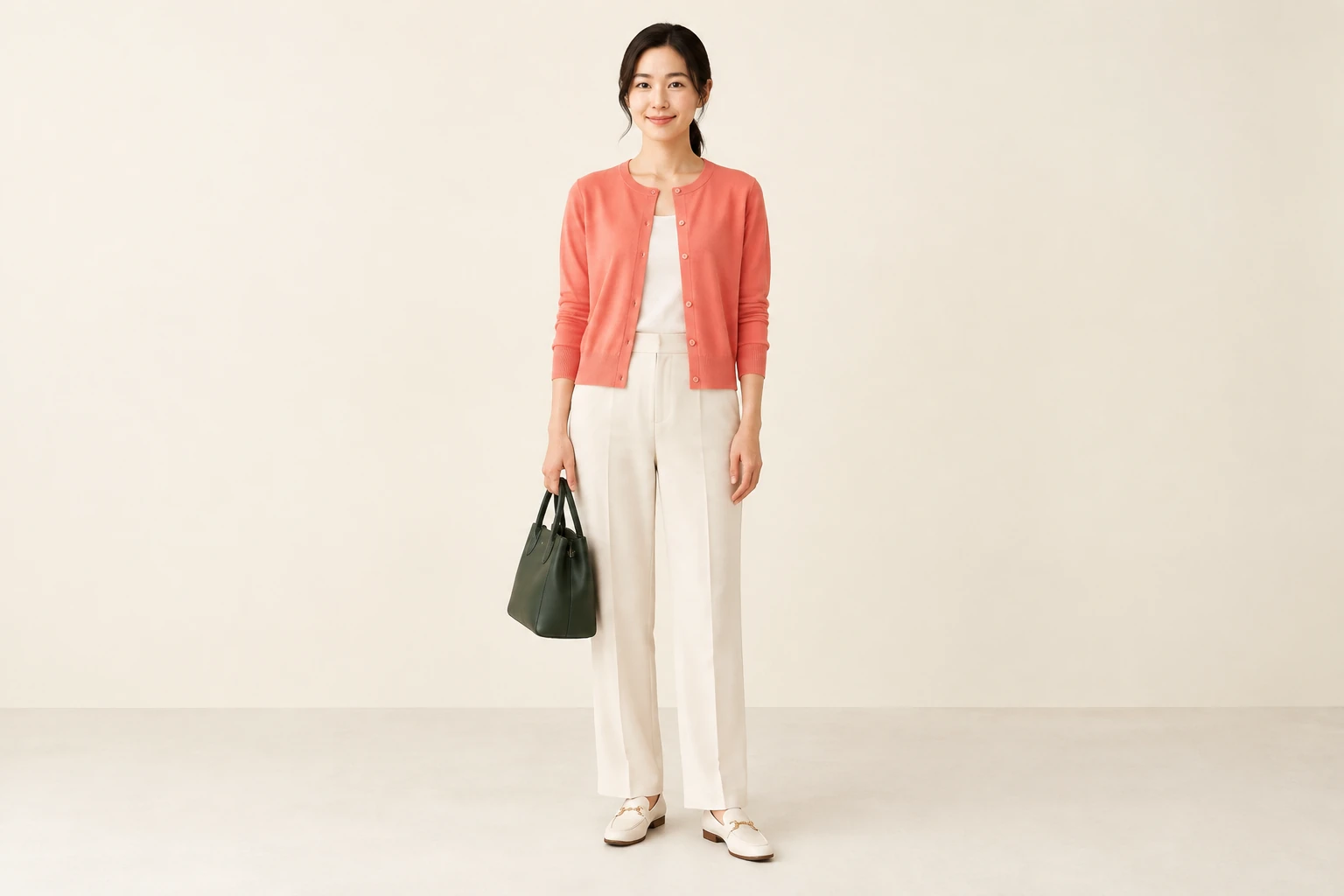
The two named photo selectors serve different roles: image 1 is the laughing responder, and image 2 is the turning person with the handbag. The page’s scene direction supply the scene action and ordered image roles. Your optional note is for brief visual or style preferences, not for replacing those instructions. Keep each person’s own face, hair, and outfit grounded in their supplied photo. The fictional examples of an adult man in a pale blue shirt and an adult woman in a coral cardigan are not instructions to change uploaded people. No automatic identity lock is promised, so inspect the result rather than assuming every detail will remain exact.
This is not an exact repeat of a reference service or a named routine. There is no supplied reference video, music, or timed soundtrack, and no lip-sync capability is promised. The optional audio control, if offered, is a setting to review—not a guarantee of particular audio. The model is currently a paid option; there is no free-model or free-credit guarantee, fixed price, or fixed wait time. Available aspect ratios and qualities can vary. Always check the current Required Credits beside Generate and confirm your account access before you proceed.

When a result appears in History, look for two distinct people and the intended role order. Check that faces and outfits remain recognizable, the handbag stays with the turning person, and the turn and laugh read as continuous actions. Watch for extra people, extra limbs, obscured hands or feet, or an ending that cuts off the action. Download the completed video from its available result. If you want a different crop, captions, or music, treat those as separate editing choices after generation.
It is a guide to making an original, understated two-person video scene on bg-remover.app. This specific role requires two different person images: image 1 for the laughing responder and image 2 for the person who turns with the handbag.
Put the laughing responder in the first photo selector (image 1). Put the person who turns with the handbag in the second selector (image 2). The page’s scene direction provide the ordered roles.
The model is currently a paid option. Free access or credits are not guaranteed, and there is no fixed price. Check your account access and the current Required Credits beside Generate for your selected quality and media before choosing Generate.
There is no fixed wait time. Check status and results in History; when the video is completed, use its available Download control.
Exact appearance or motion is not guaranteed. Review whether the people remain distinct, their roles and recognizable features are preserved, the handbag stays with the second person, and the turn and reaction remain continuous. No automatic identity lock, lip-sync, or timed soundtrack is promised.
Download the completed video from its result. Cropping, captions, and adding music are separate finishing steps; the generator does not promise a particular soundtrack.
bg-remover.app · Updated