Remove a White Background
Explore a separate tool for removing a white image background.

The AI 3D Figure Generator helps you create a still image with the dimensional appearance of a painted collectible. You can start from text without uploading a file, or supply one image as a visual reference. This guide uses an original corgi concept and focuses on clear edges, recognizable pet details, and a simple display scene. The result is an ordinary image, not a 3D model or a transparent cutout.
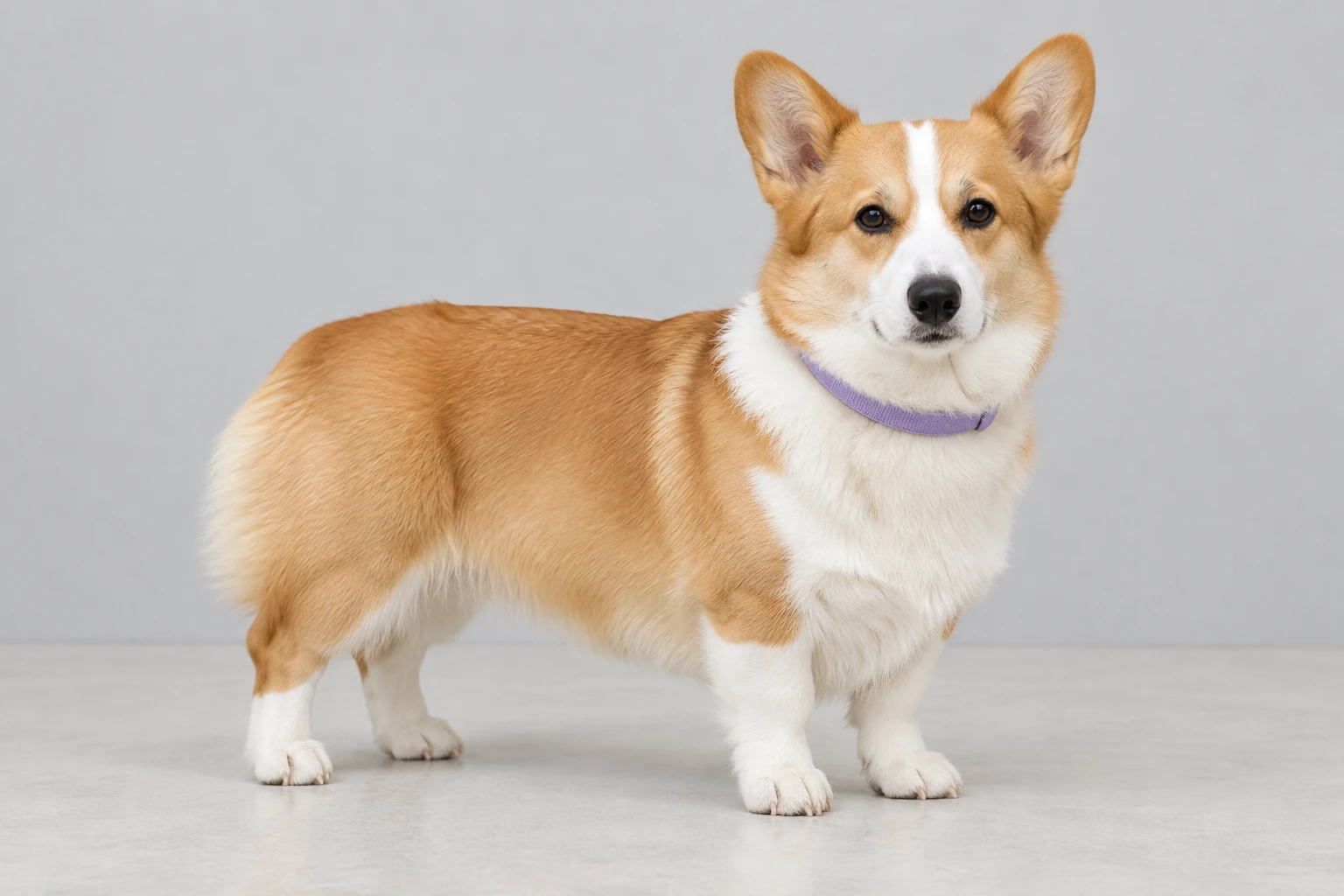
Use a consented personal pet photo or your own drawing, or begin with text and no upload. For Image to Image, supply one image. A natural full-body reference on a pale neutral floor against a light gray backdrop is a useful starting concept: keep the pet standing still with all four paws visible.
For text generation, describe an original subject, its visible colors and markings, the material style, and the scene. For an uploaded reference, ask for a style interpretation that preserves the actual subject’s visible pose, colors, outfit or markings, and accessories. Allow clear space around ears, tail, paws, and base for an uncluttered edge.
Use the available model selector and settings; this guide prioritizes the enabled Seedream 5.5 and Minimax H3 Image options, though the selector may expose other models. Model and aspect or resolution settings determine the current Required Credits. Check the live quote and account access before generating.
When the image is ready, inspect recognition, silhouette, ears, paws, fur pattern, collar, base, unwanted text, and the contact shadow. Iterations can change details, so identity preservation is not guaranteed. History shows status and ready images; download or use the actual ready image only after reviewing it.
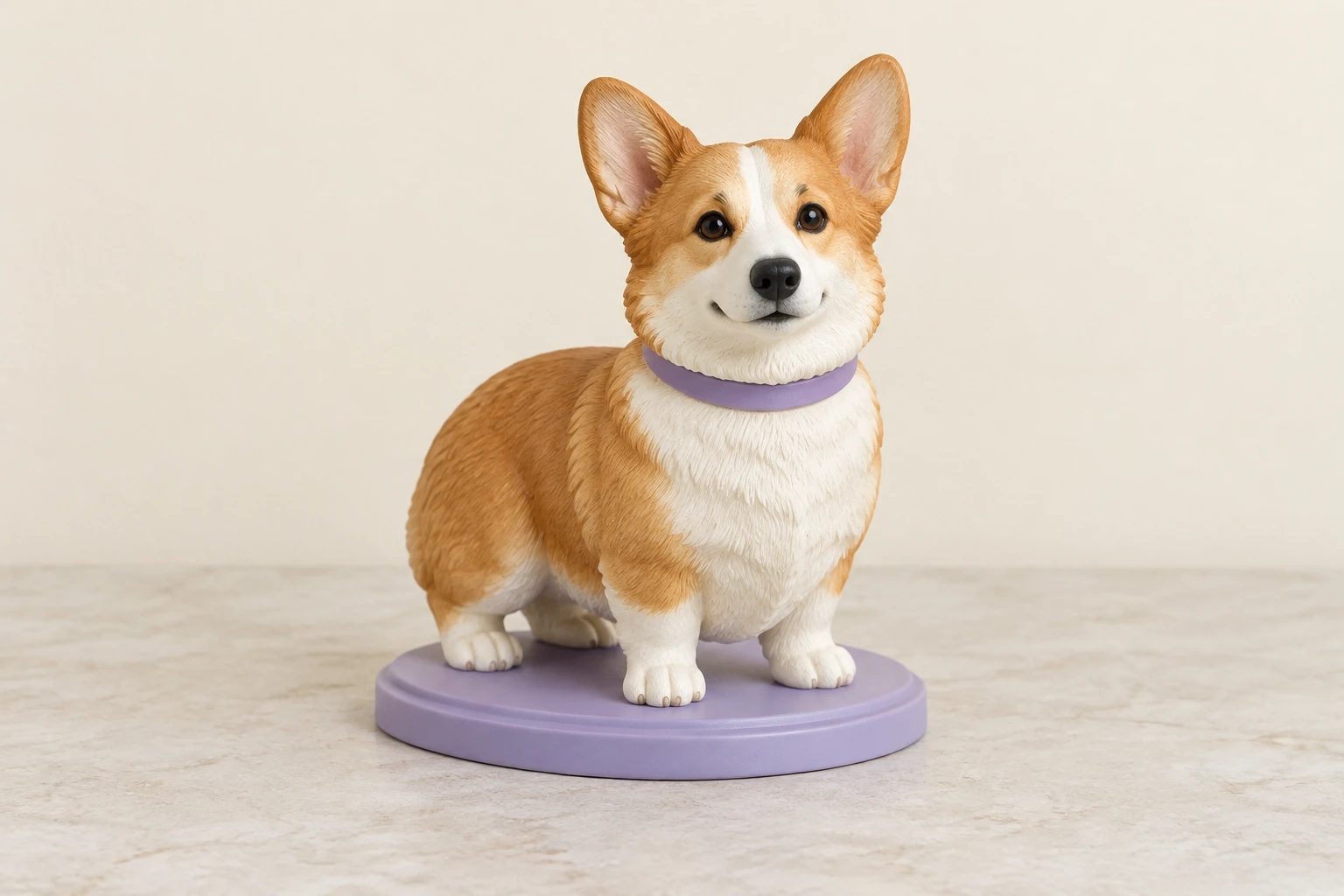
A plain background helps the pet’s outline remain easy to inspect, especially around ears, tail, paws, and a display base. For a text-only corgi concept, specify tan ears and back, a broad white chest blaze, a white muzzle, small dark eyes, short sturdy legs, and a plain lavender collar without a tag. Pair those details with a lavender oval base, pale stone desktop, warm ivory wall, and soft contact shadow. Keep the scene simple rather than adding props that compete with the subject.
For a reference-based image, choose a naturally lit, full-body photo with the pet in focus and all four paws visible. A pale neutral floor and light gray backdrop make the reference concept uncluttered. Avoid cropping off the ears, paws, or tail if those features matter to the result. Describe only details that are actually visible, and request a style interpretation rather than a new identity.
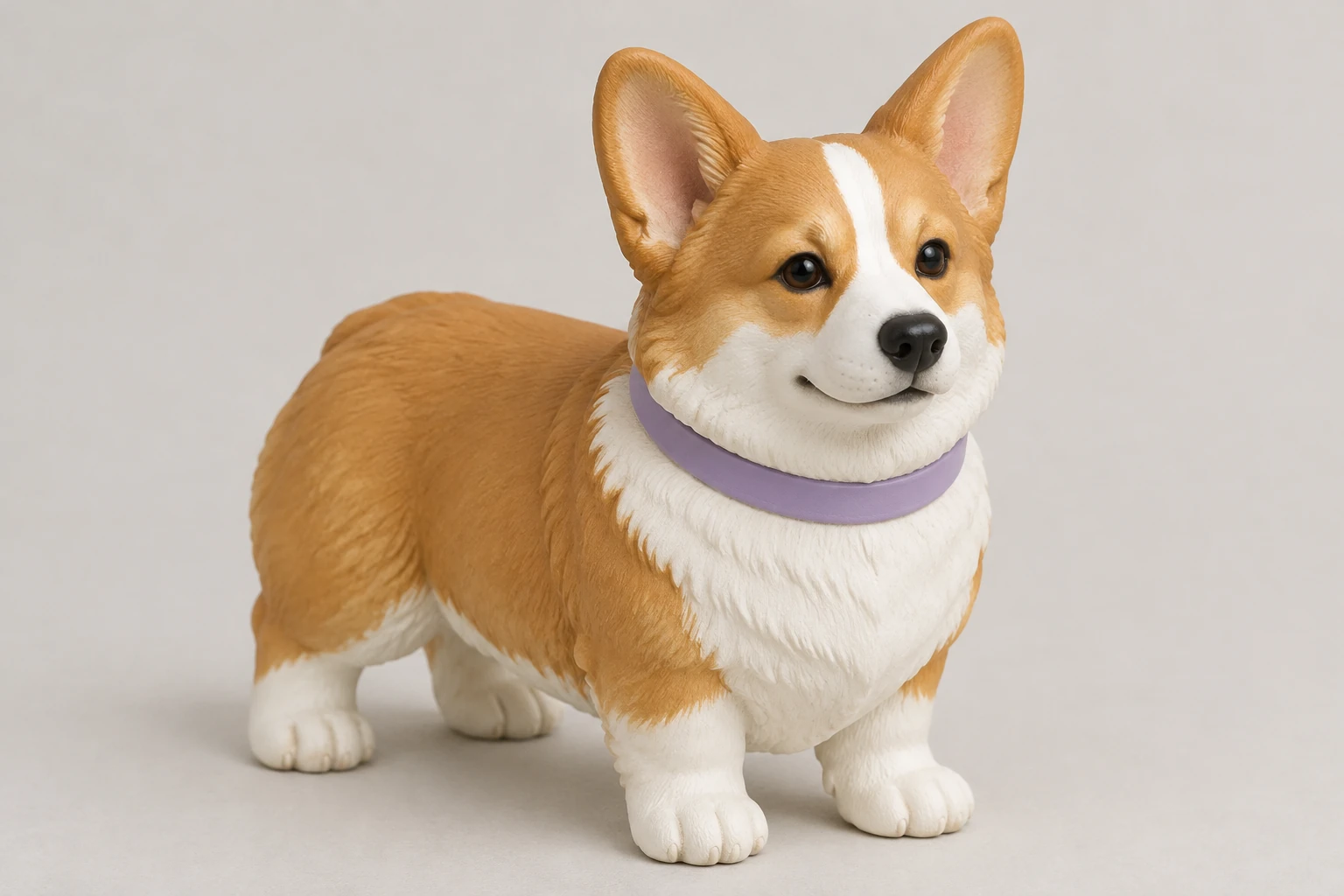
The output is a still image with a dimensional collectible or toy-like appearance. It is not a 3D mesh, STL, rotatable model, rig, 360-degree view, printable file, or manufactured figure. The image is also not automatically transparent: a plain or uncluttered backdrop is still part of the image, not a removed background. This generator is separate from actual background-removal tools.
Both Text to Image and Image to Image use editable prompts. Text to Image needs no upload; Image to Image takes one supplied image. The image reference guides the interpretation but does not guarantee that every detail or identity will remain unchanged. Review the ready image at useful size, paying particular attention to small features and the boundary between the pet and its background.
Model choice and aspect or resolution settings affect the current Required Credits, so use the live quote shown for your account rather than relying on a fixed price. Account access applies, and neither prioritized model has free-eligible access here. No trial allowance or exact generation time is promised here. History shows status and ready images, which helps you check whether a generation is still in progress or ready to review.
Before using an image, look for changed markings, an altered pose, awkward paws, missing or unexpected accessories, unstable-looking bases, and unwanted text. A soft contact shadow should ground the display without hiding the feet or blending the base into the surface. If you iterate, make a focused prompt change and inspect the new ready image again. Download only the actual image you have reviewed; do not assume it is a transparent PNG or another particular file format.
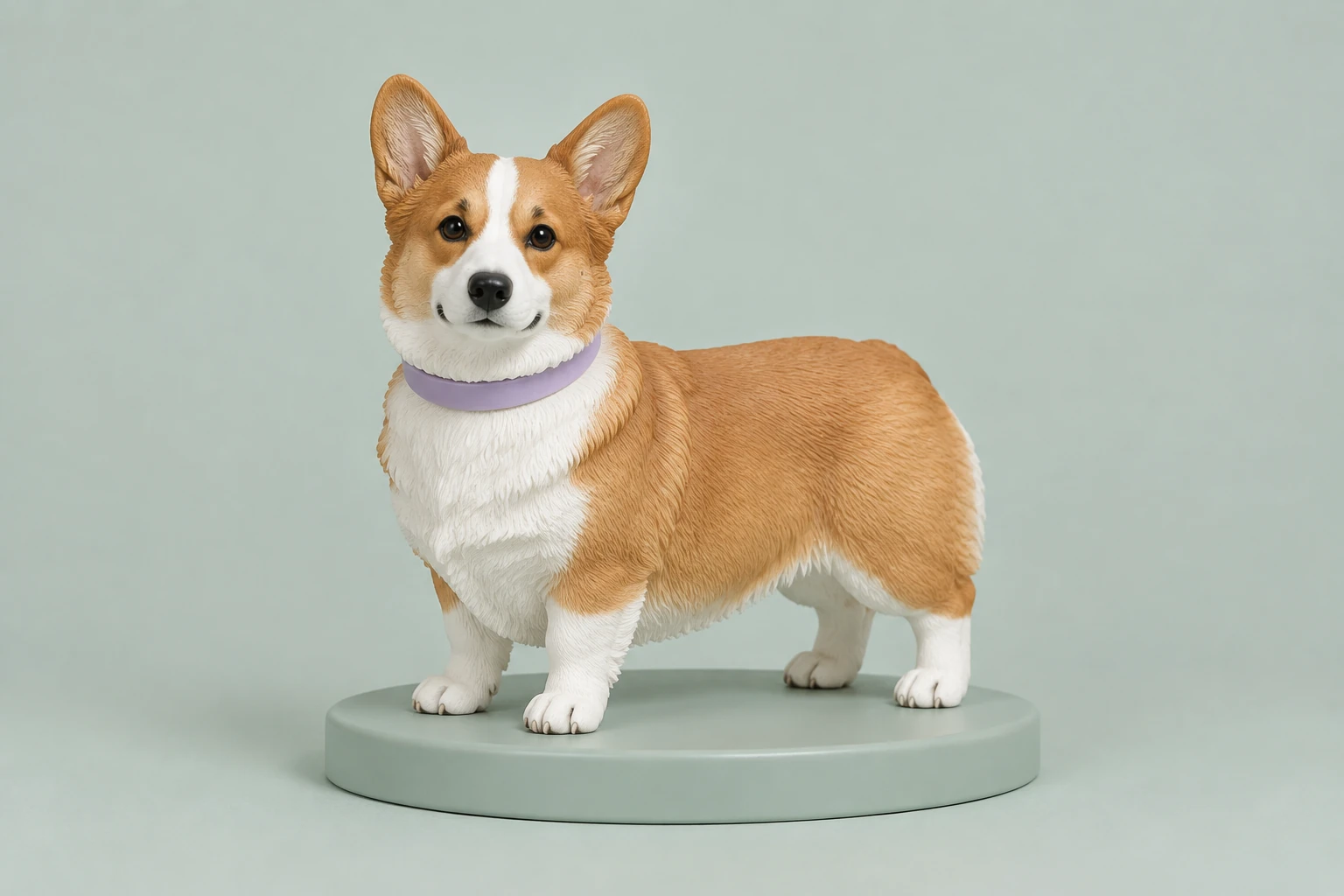
A collectible-style image can work as a visual concept or reference, but it does not provide the geometry needed for a rotatable or printable figure. If your task is to prepare an image with a transparent background, use a background-removal tool separately. Choose the tool based on the file you need, and inspect its actual output before placing or sharing it.
No. The result is an ordinary still image with a dimensional collectible-style appearance, not a mesh, STL, rotatable model, rig, 360-degree view, printable file, or physical figure.
Yes. Text to Image works without an upload. Image to Image accepts one supplied image as a reference.
A clear, natural full-body image with the subject in focus and important details visible is a useful starting point. Use consented personal imagery or your own drawing, and describe only details the reference actually shows.
Neither prioritized model has free-eligible access here. Required Credits depend on the selected model and aspect or resolution settings, so check account access and the current live quote; there is no fixed price stated here.
This guide prioritizes the enabled Seedream 5.5 and Minimax H3 Image options. The model menu may expose other models; choose from the options available to your account and review the resulting image rather than relying on an unsupported quality or speed comparison.
History shows generation status and ready images. Review the pet’s recognition, silhouette, ears, paws, fur pattern, collar, base, contact shadow, and any unwanted text before downloading or using the image.
bg-remover.app · Updated