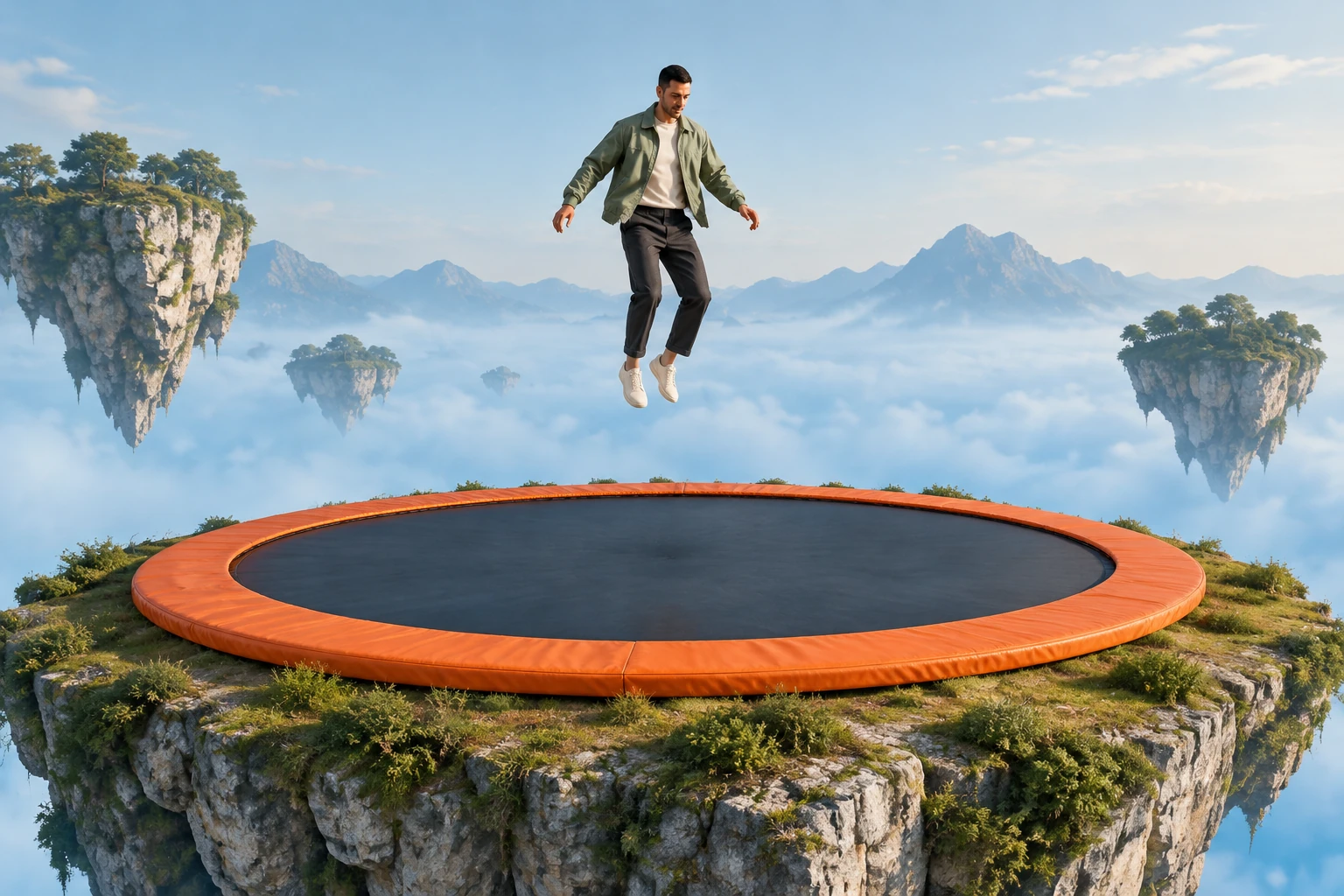
Gangnam-Style AI Video
Explore a separate AI video concept and its scene direction.

Loading history…
This AI High-Altitude Trampoline Video guide explains how to start with one ordinary full-body photo and request a separate, fantastical jump scene. Clean edges and visible shoes can make the person easier to read, but the uploaded photo does not need to show a trampoline or match the fantasy setting.
Use the single photo picker for one permitted adult. A full-body view with a continuous outline, visible hands and feet, and complete shoes gives the scene direction a clearer visual reference. The photo can show an ordinary floor or background.
Do not try to make the source photo look like a high-altitude stunt. The requested floating island and trampoline belong in the written scene direction, not in a second image, video upload, motion reference, or scene dropdown.
The generator sends its prepared scene direction with any notes you choose to add. Notes are optional: use them to clarify visual preferences, such as keeping the camera steady, rather than to demand an exact performance.
The current model is Seedance 2.0, with an eight-second duration. Aspect ratio, resolution, audio options, paid eligibility, and credits follow the live quote; check them before submitting. Queue time can vary. When the result appears in History, watch the whole clip for body continuity, hands and feet, and readable contact before downloading. Add captions or audio separately if wanted.
Choose an ordinary standing photo with the head, hands and both shoes inside the frame. Leave space between the arms and torso when possible, and avoid a foreground object that hides the legs. This photo supplies the person; it does not need a trampoline or an elevated setting. Inspect the original at full size so you can recognize cropped details before generating a new scene.
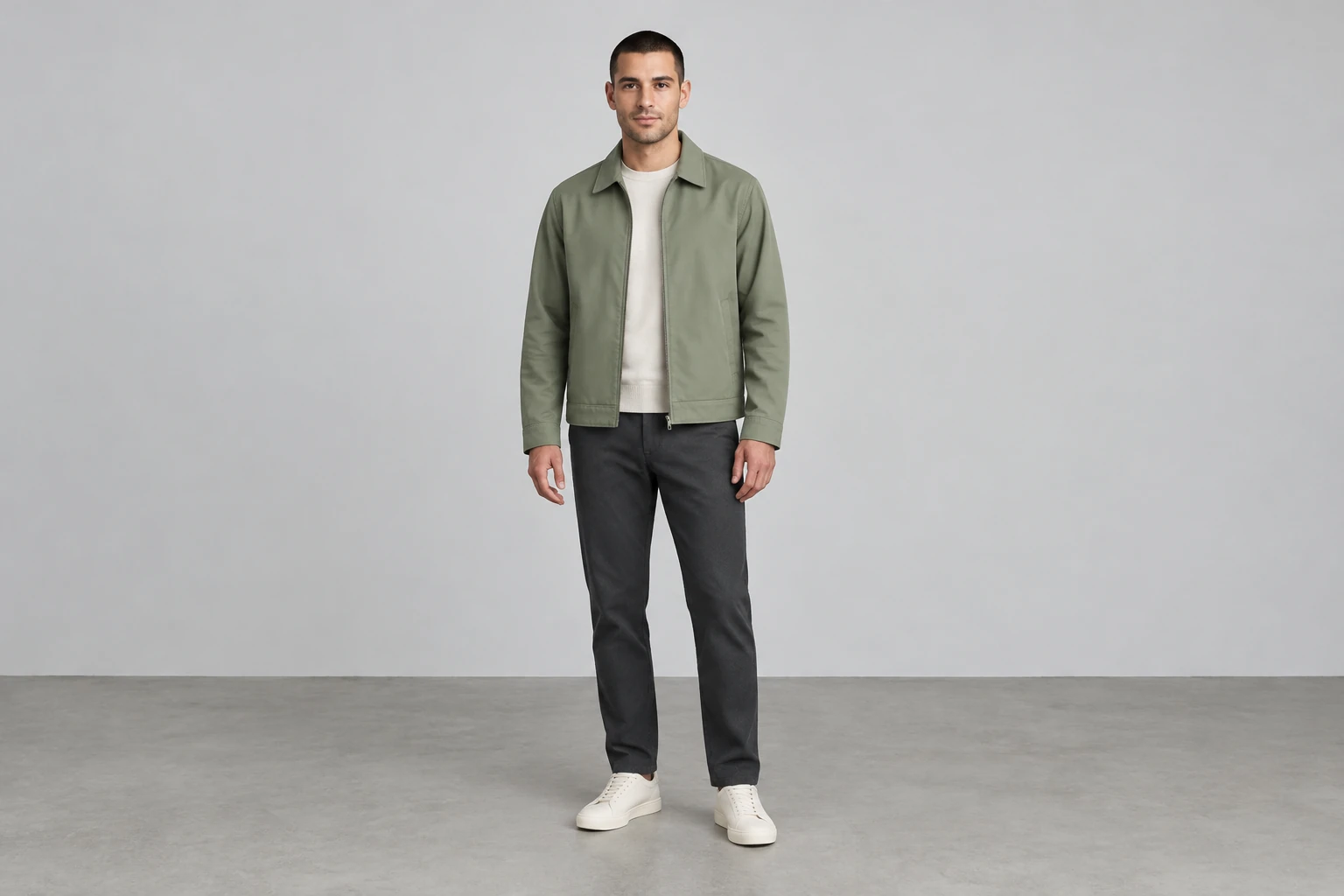
The sage jacket and charcoal trousers in these examples belong to one illustrated subject. Your own photo provides the adult and outfit to retain. Describe the floating limestone island, orange trampoline and pale mist through the scene direction and optional notes. The empty-world study is useful for planning space around a figure; it is not another file that must be uploaded.
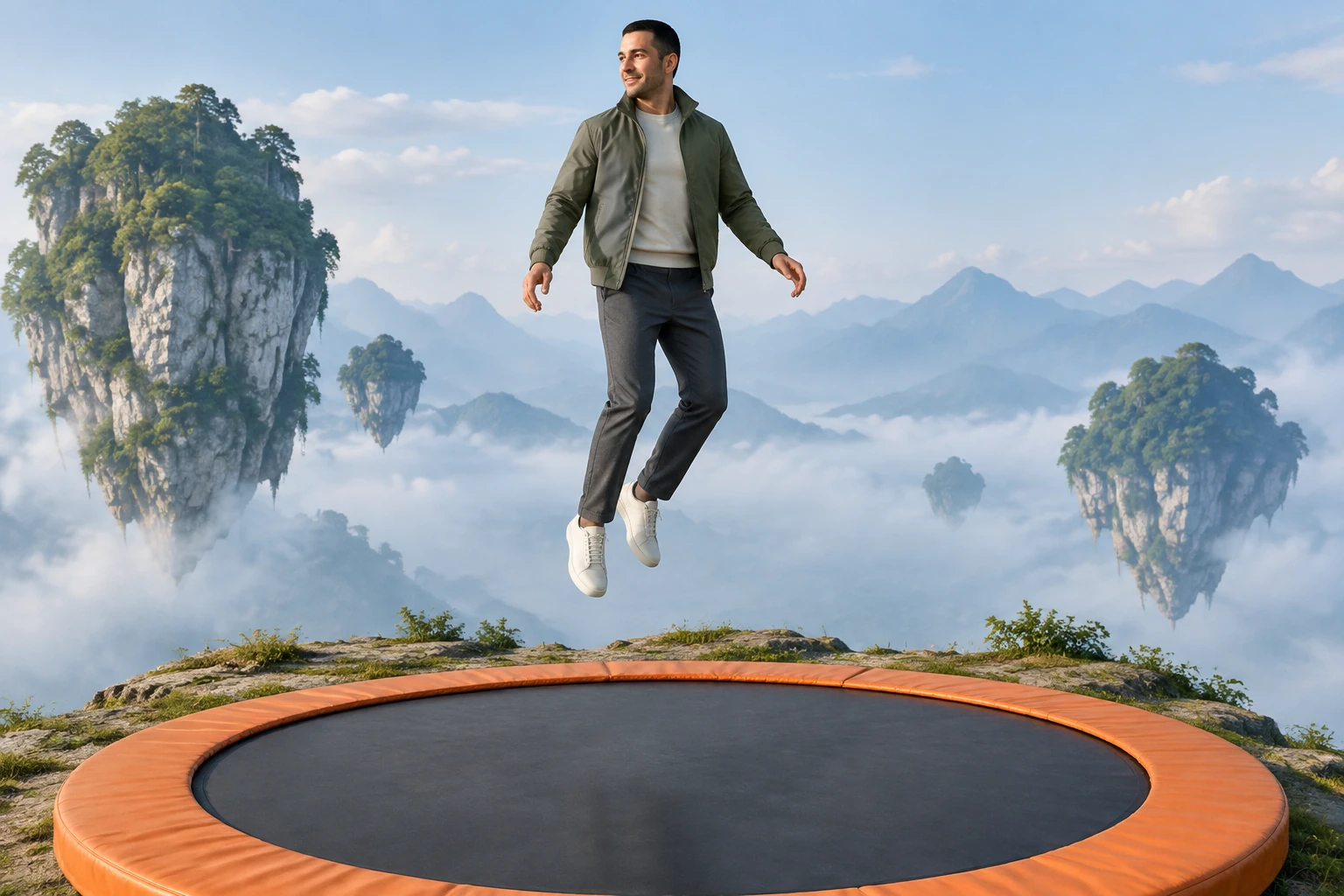
A clear standing photo is only the starting point. Pause the finished clip around the hands, shoe tips and contact moment to check the moving outline. Compare the same details after the rebound, and look for duplicate limbs or background fragments that follow the figure. Keep the requested camera steady and the surroundings simple when you want an easier scene to assess.
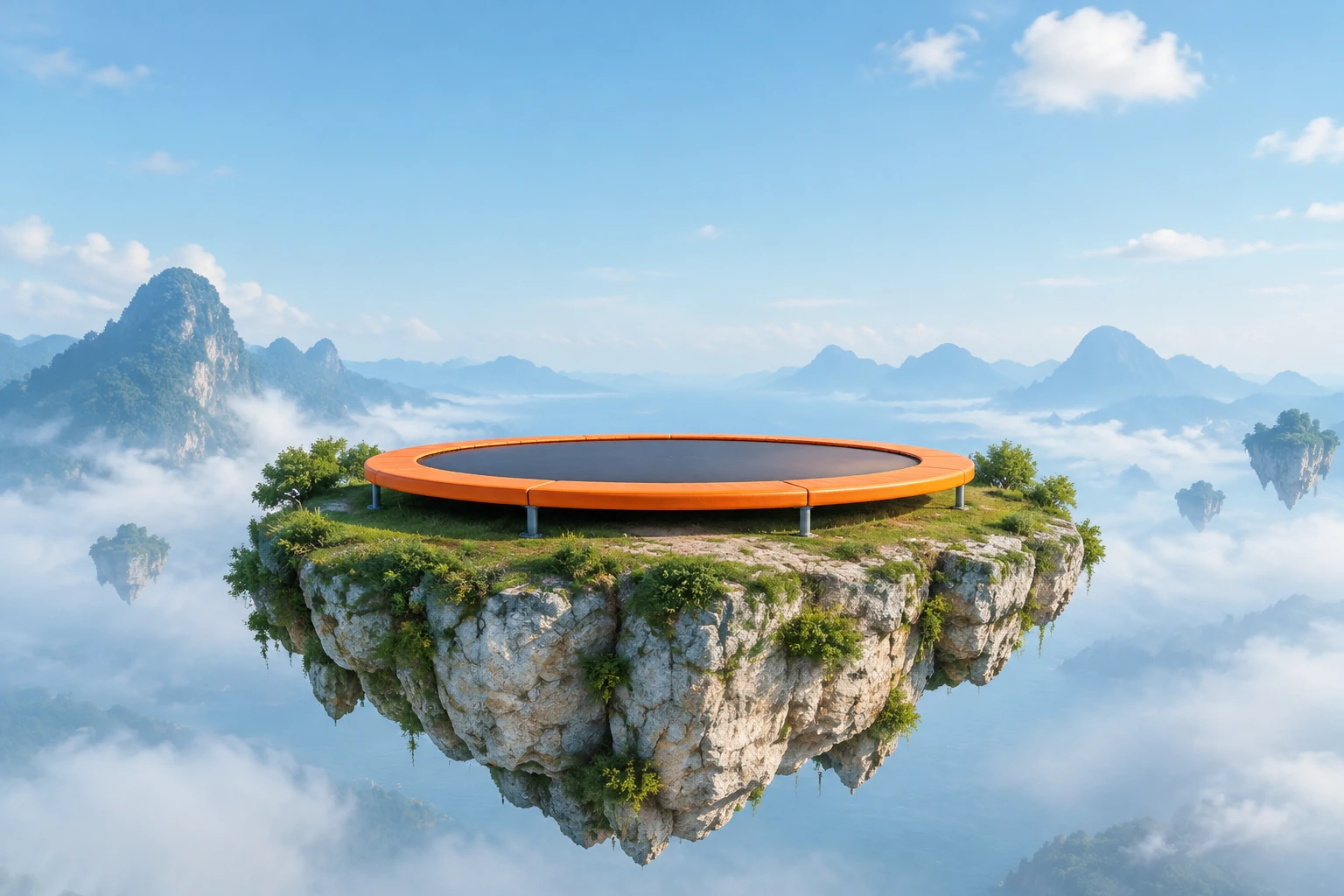
Confirm paid eligibility and the current required credits before generating. When the result is ready in History, watch the full eight seconds, including the ending. Check whether the adult stays above the broad trampoline and whether the floating island remains coherent. Download after review, then add captions or audio separately if needed. The imaginary jump is fictional and should not be imitated.
Upload one photo showing one permitted adult. A clear full-body view with hands, feet, and complete shoes visible is a useful starting point. The photo can have an ordinary background.
No. The source photo is for the person’s visual reference. Describe the imaginary trampoline and floating setting in the scene direction instead.
No. This workflow uses one photo picker and does not provide a second image slot, video upload, or motion-reference input. Visual notes are optional written guidance.
The direction asks the model to preserve the person’s actual appearance and outfit while changing the setting intentionally. This is a request, not a guarantee of exact identity or detail in every frame.
The current duration is eight seconds. Queue time varies; check History for the completed result rather than relying on a fixed wait estimate.
No. It is a fantasy image-to-video workflow, not advice for filming or performing a jump. The imagined scene is fictional and should not be imitated.
bg-remover.app · Updated