AI High-Altitude Trampoline Video
Explore another portrait-to-video idea built around a distinct fictional action scene.

Loading history…
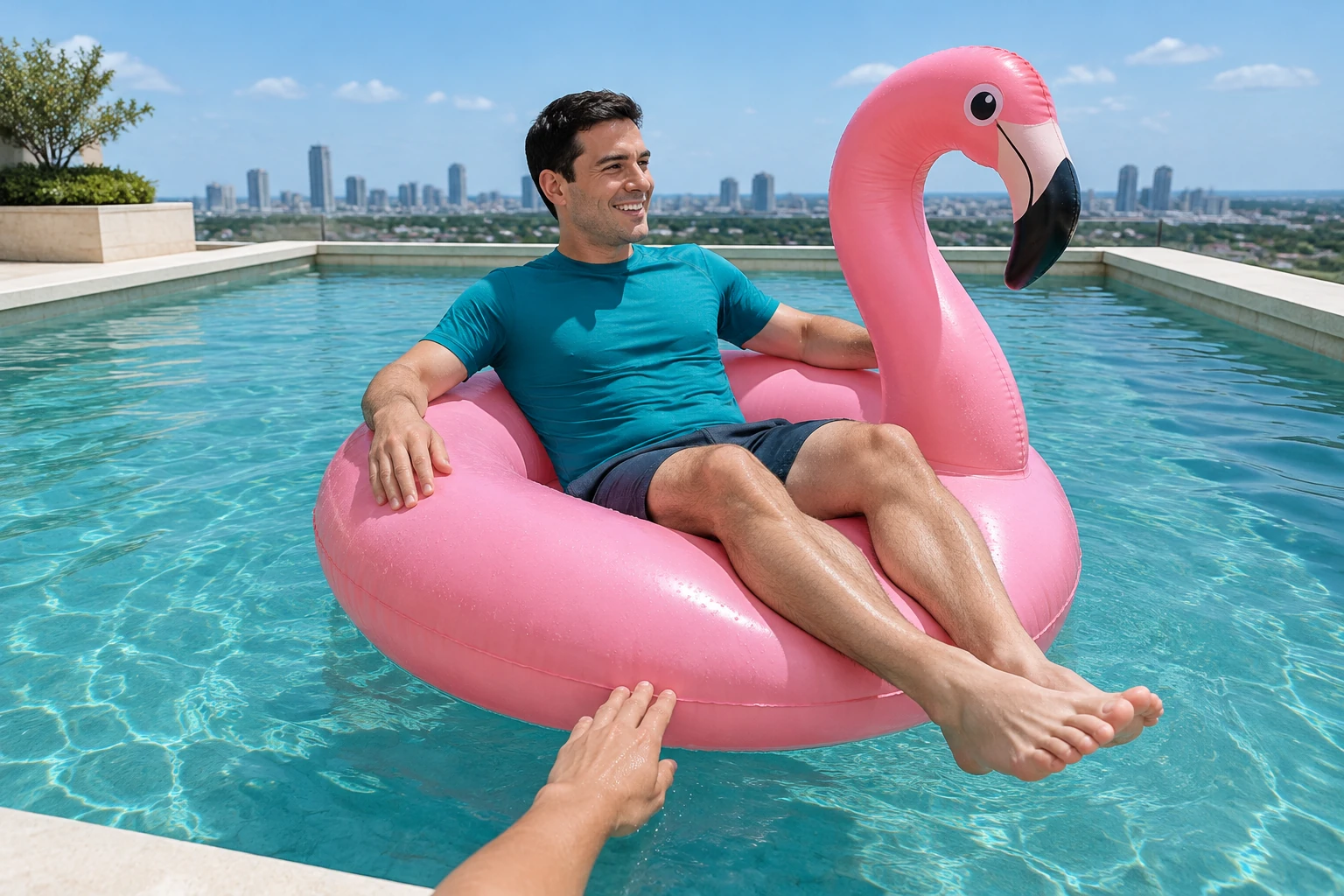
Flamingo Floatie AI turns one adult portrait into a request for an eight-second poolside comedy clip. A gentle helping hand nudges a pink inflatable back into the pool, followed by a calm drift and thankful wave. Upload your portrait, check the live credit quote, and review the finished scene in History.
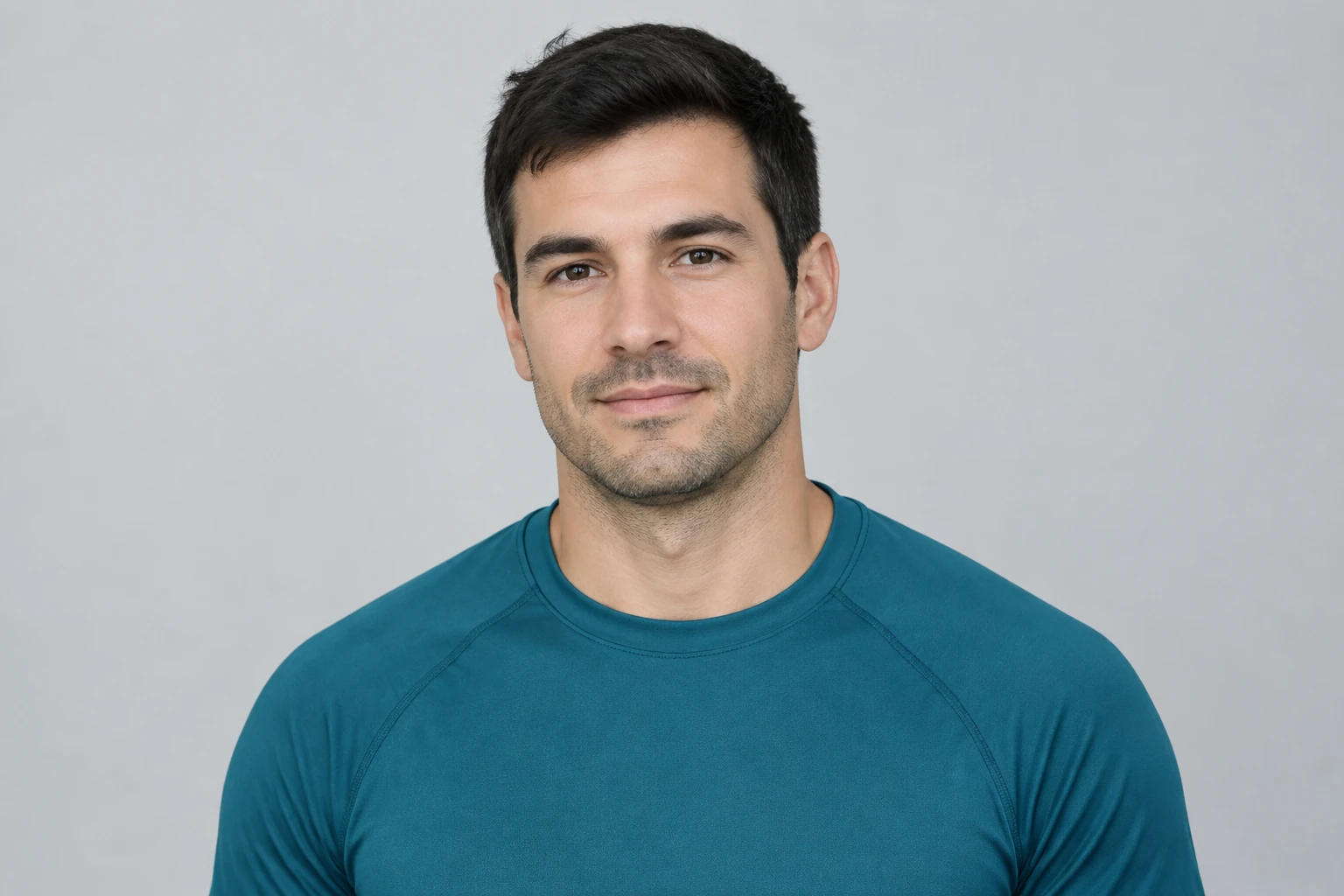
Upload one clear portrait of an adult whose face is easy to recognize. Keep hair and shoulders visible and avoid a hand, sunglasses or deep shadow covering the face. The photo supplies the person and outfit; the poolside setting is described in the prepared scene direction.
The scene is already described for you: a calm approach near the pool edge, one partial helper hand gently meeting the float rim, a nudge back inward and a small thankful wave. Leave Optional visual notes empty to start, or add a short preference for light, color or mood. You do not need to copy the full scene into that field.
The generator uses Seedance 2.0 with an eight-second duration. Review the available aspect ratio, resolution and audio options, and check the current credit requirement before generating. This model uses paid access; account eligibility and available credits are shown by the current interface.
Wait times vary. When processing is complete, find the clip in History and download it if it meets your needs. Review the face, anatomy, hand-to-float contact, direction of travel and the whole clip—not just the opening—to see whether the float remains inside the pool and the ending feels calm.
Start with a sharp image containing one adult. A clean outline around the face, hair and shoulders gives you useful details to compare later. The original background can change into the imaginary rooftop pool, while the adult’s appearance and outfit remain the intended reference. The example wears a teal shirt, but you can bring your own permitted portrait and clothing. This is a fictional scene, not real poolside stunt instructions.
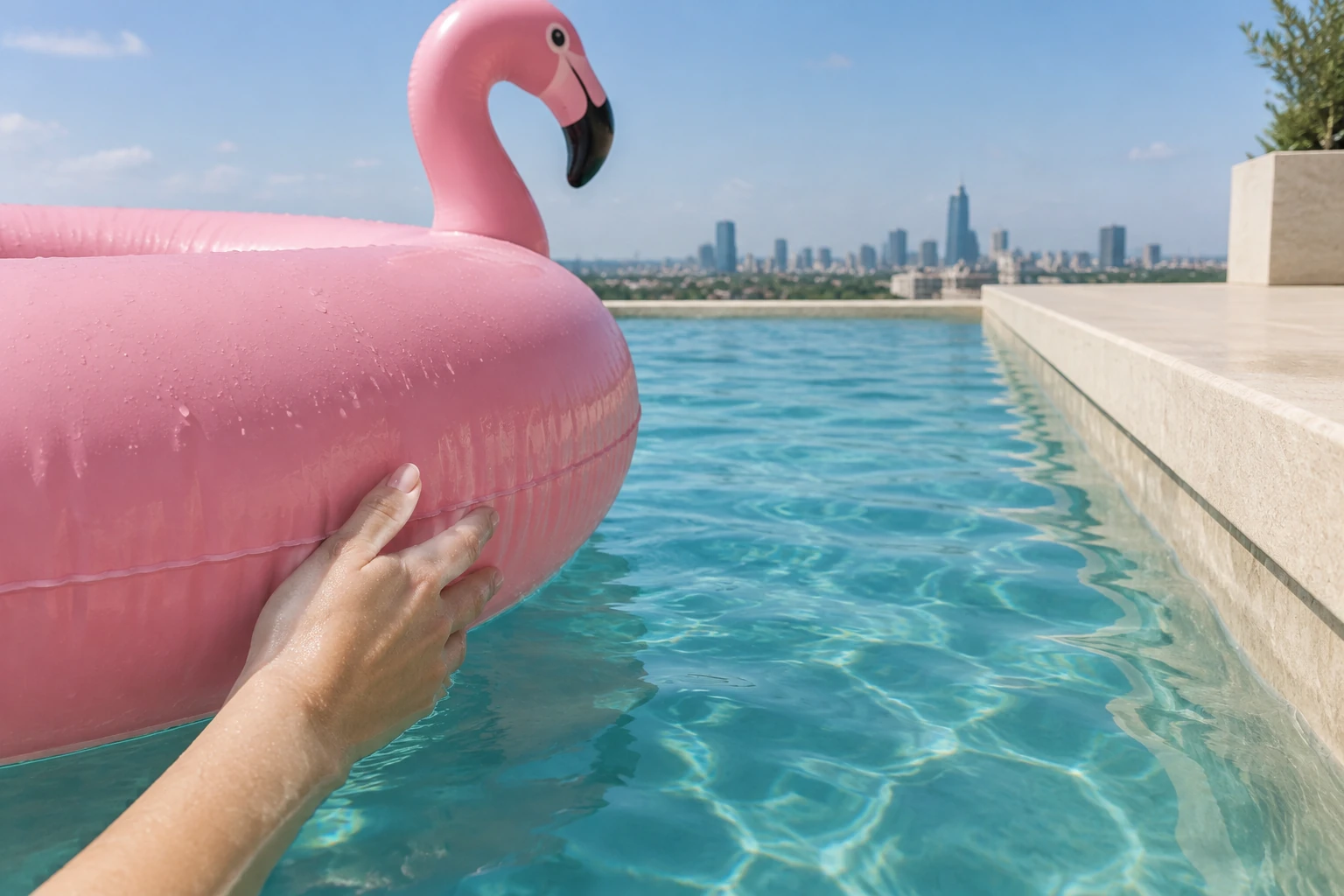
The short scene works when the direction is easy to understand. Look for a calm approach toward the near edge, a single helper hand entering from the foreground, and gentle contact with the inflatable rim. After contact, the float should move away from the edge and back into open water. A steady wide view leaves room to follow the same person, float and hand. The small thankful wave gives the inward drift a clear ending.
This guide does not provide original meme audio or an exact spoken line. Check the audio options currently available in the generator, and add only sound you are permitted to use. If you want the comedy to work silently, keep the visual beats clear: gentle redirection, inward drift and the adult's thankful wave.
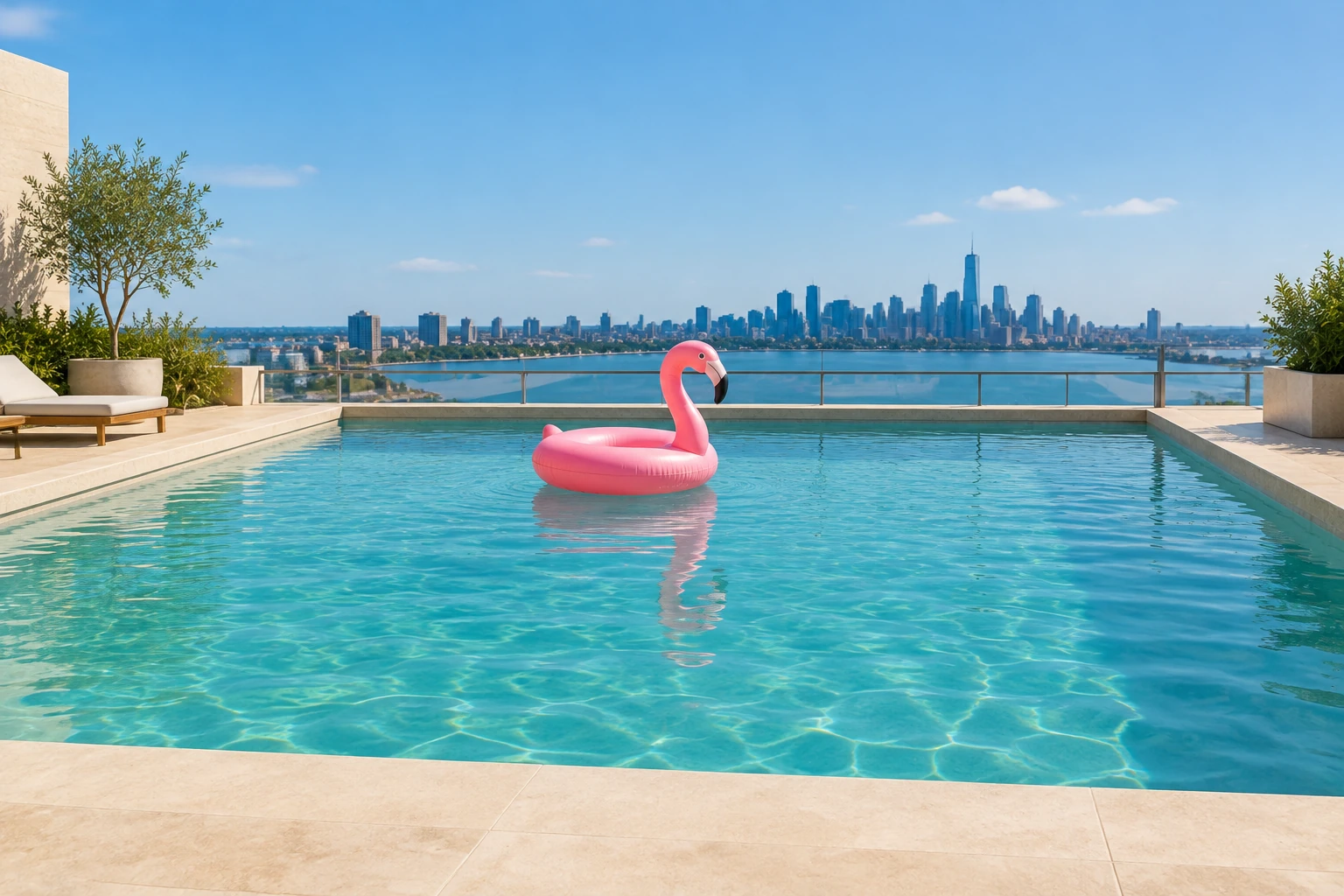
Compare the adult’s face, hair and clothing with your portrait, then inspect the helper hand and its contact with the rim. Follow the pink float through the entire eight-second clip: watch for sudden shape changes, extra hands, an abrupt camera cut or a drift toward the outside edge. The calm ending should leave the rider inside the pool. Check the current quote before another attempt, and use a short visual note to clarify the detail you want to improve.
Use one adult portrait through the single photo picker. The workflow does not provide a second photo or a second-person input.
No. The complete poolside scene direction is prepared. Optional visual notes start empty and can stay empty; use them only for a brief change to the mood, lighting or setting.
Watch the helper hand meet the float rim, then follow the float away from the near edge and back into the pool. Check that the adult stays recognizable and the ending remains calm.
Seedance 2.0 requires paid access. Check the current interface and your account for any trial eligibility, then review the live credit quote before submitting.
No exact motion is guaranteed. The prompt requests a gentle contact and inward redirect; review the generated clip to see whether the contact and direction are clear.
No. Check the generator's current audio options and add permitted sound separately if you want it.
Explore another portrait-to-video idea built around a distinct fictional action scene.
See a different short-form video concept with a focused visual setup.
Try an image workflow for a stylized figure concept.
Review current plan and access information before using a paid model.
bg-remover.app · Updated